 Event RSVP Made Simple
Automatically Send Event RSVP Emails & Keep Guests Informed
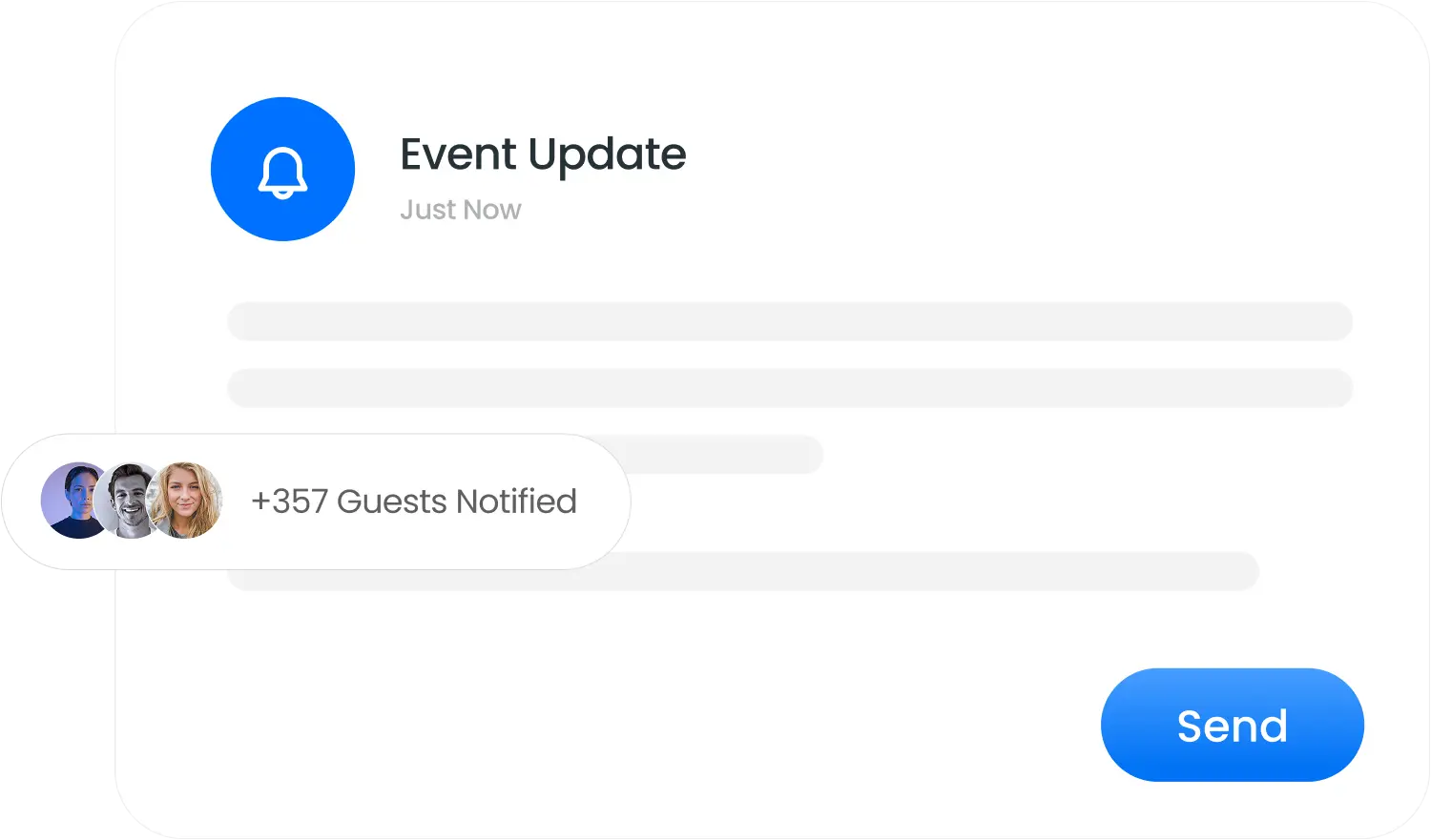
Managing guest communication shouldn’t be manual or chaotic. With Event RSVP Emails from Socioplace, you can instantly notify guests about confirmations, updates, and changes—without chasing people one by one.
10M+
Guests managed globally
50K+
Events organized
4.9
Average rating
Why Events RSVP Emails Matters
Guest communication is one of the biggest challenges in event planning. Missed messages lead to confusion, no-shows, and last-minute questions.
With Socioplace Event RSVP Emails, you can:

Reduce guest confusion and follow-up calls

Keep everyone aligned with event details

Share important updates without delay

Clear communication = smoother events.
Key Features of Event RSVP Emails
Everything you need to keep your guests informed and your events running smoothly.
Targeted Guest Notifications
Send Event RSVP Emails to specific guest categories such as VIPs, speakers, staff, or all attendees. You control who receives what.

Manual or Instant Sending
Once your event is set up, you can send emails instantly whenever needed—no fixed schedules required. Perfect for quick updates or last-minute announcements.

RSVP Status Updates
Notify guests when their RSVP status changes, or when event details are updated. Everyone stays informed in real time.

Post-Event Follow-Ups
Send thank-you messages or feedback requests after the event using Event RSVP Emails, helping you close the loop professionally.

How Event RSVP Emails Work
Three simple steps to keep all your guests informed and engaged.
Set Up Your Event
Create your event and collect guest RSVPs using Socioplace.
Select Guest Category
Send emails to all guests or specific groups like confirmed attendees or pending RSVPs.
Send Instantly
Trigger Event RSVP Emails immediately with a single click. No scheduling complexity, no delays.
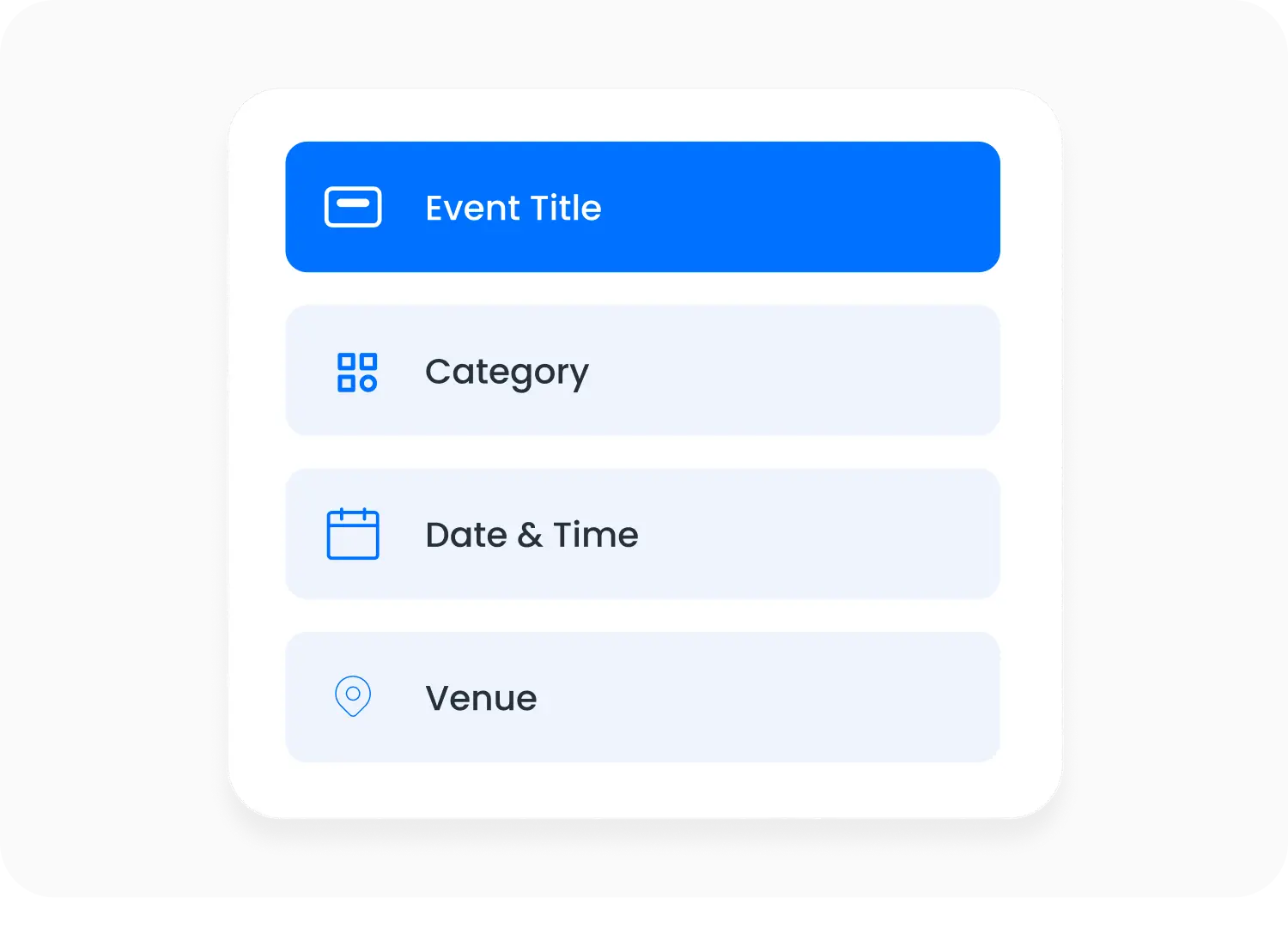
Set Up Your Event
Create your event and collect guest RSVPs using Socioplace.
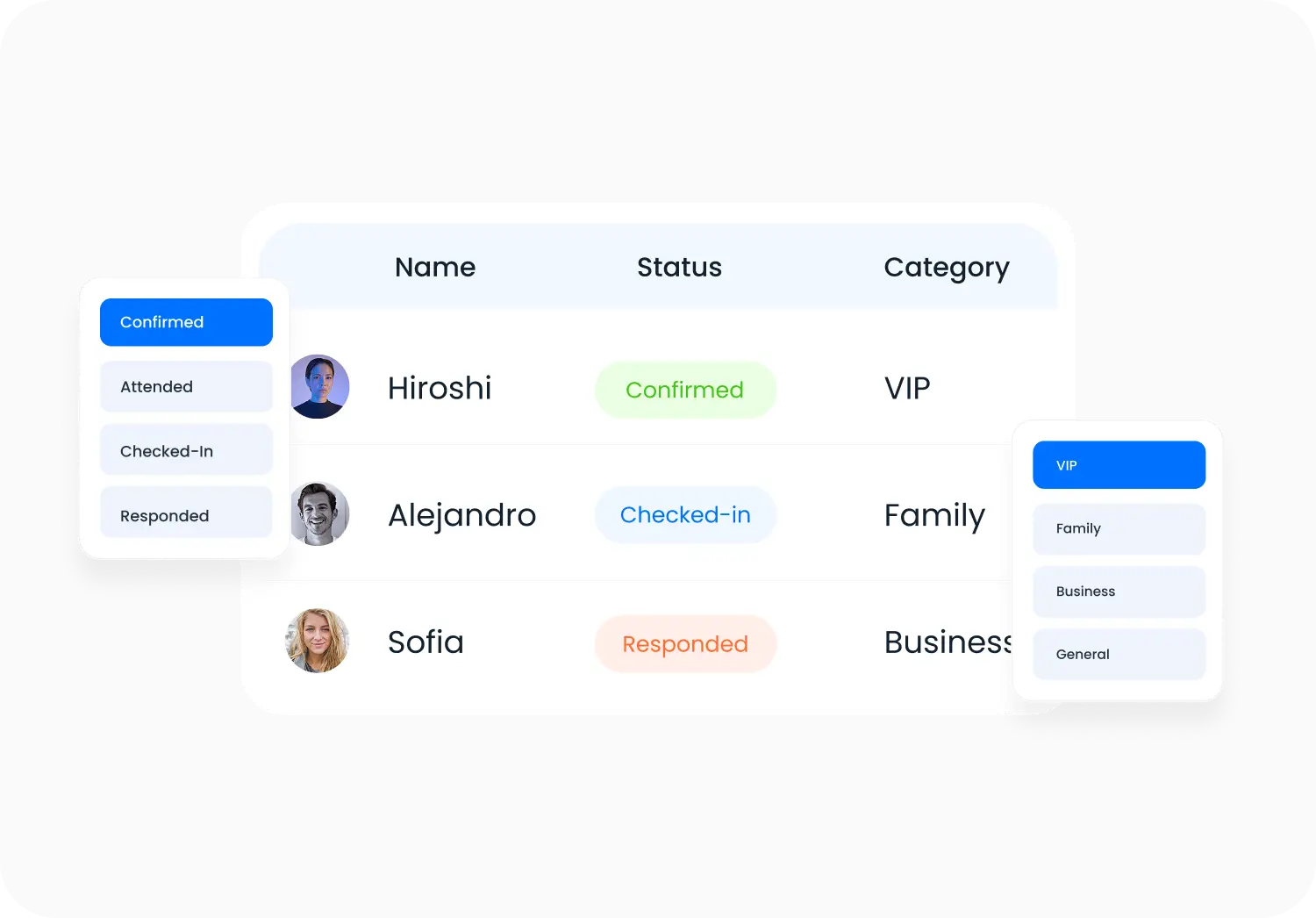
Select Guest Category
Send emails to all guests or specific groups like confirmed attendees or pending RSVPs.
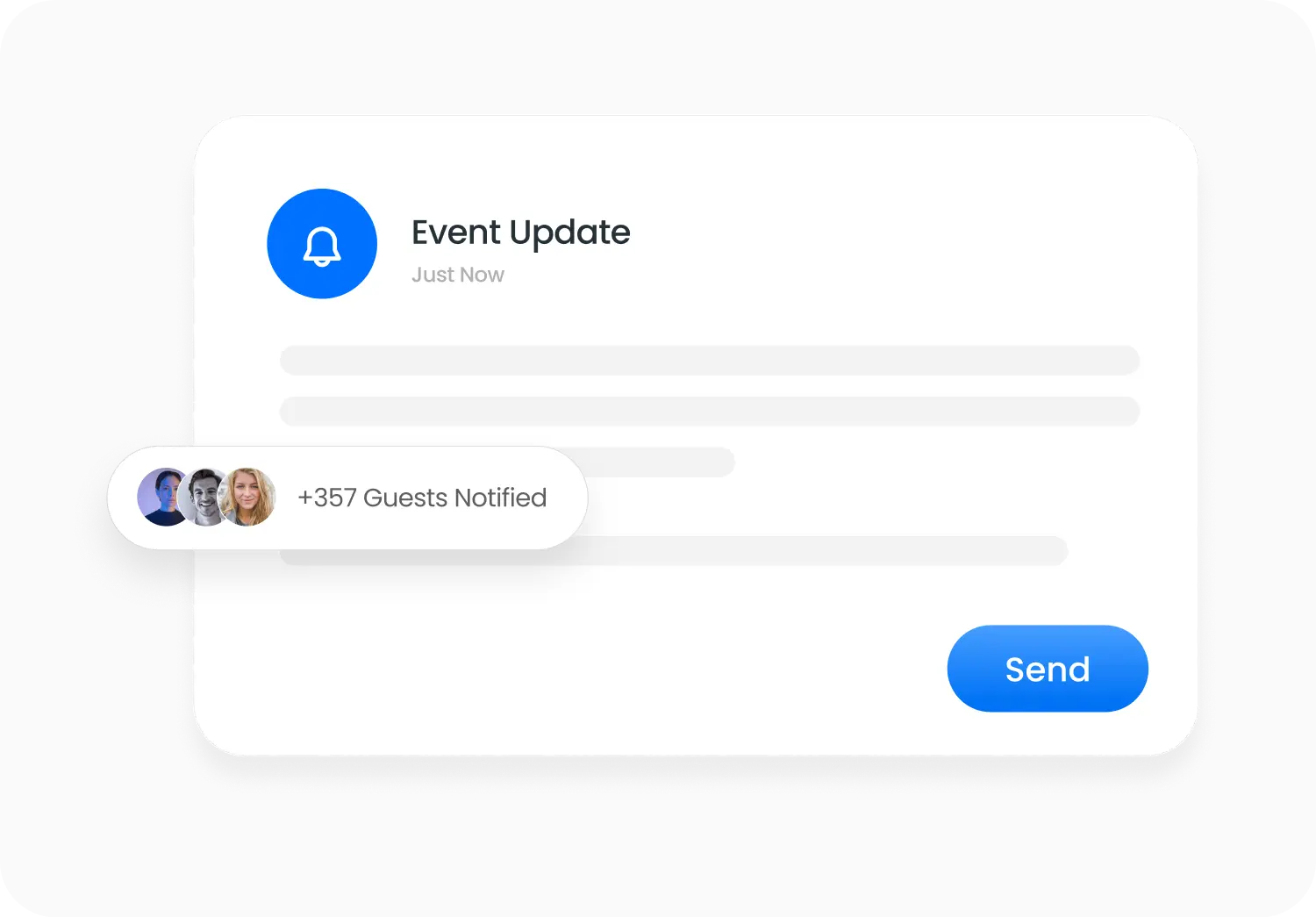
Send Instantly
Trigger Event RSVP Emails immediately with a single click. No scheduling complexity, no delays.
Use Event RSVP Emails for Any Event
From weddings and private parties to corporate meetings and conferences, Socioplace adapts to your event size and needs—without complexity.
Corporate meetings
Conferences
Private celebrations
Weddings
Product launches
community events
Seminars
Why Choose Socioplace for Event RSVP Emails?
Socioplace keeps communication simple, controlled, and effective.

Designed specifically for RSVP event management

No complex setup or technical steps

Fully connected to guest lists and RSVP data

Send emails instantly, when you need them
Ready to Simplify Guest Communication?
Stop juggling messages across tools. Use Socioplace Event RSVP Emails to keep guests informed and events running smoothly—without extra effort.
Event RSVP Emails – FAQ
What is Event RSVP Emails?
Event RSVP Emails let organizers send emails to guests directly from the event dashboard to share confirmations, updates, or important information.
Who can I send RSVP emails to?
You can choose guest groups such as confirmed guests, pending RSVPs, or all guests.
When can I send these emails?
Emails can be sent instantly whenever you need to inform guests about something related to the event.
Can I update guests if event details change?
Yes. If event information changes, you can send an email update to inform guests.
Can I send emails after the event?
Yes. You can send follow-up emails such as thank-you messages.